Ski Resort
Websites
Parks & Attracti...
Mon, 23 Feb 2026
CTA Split Image and Video - Default Images Window
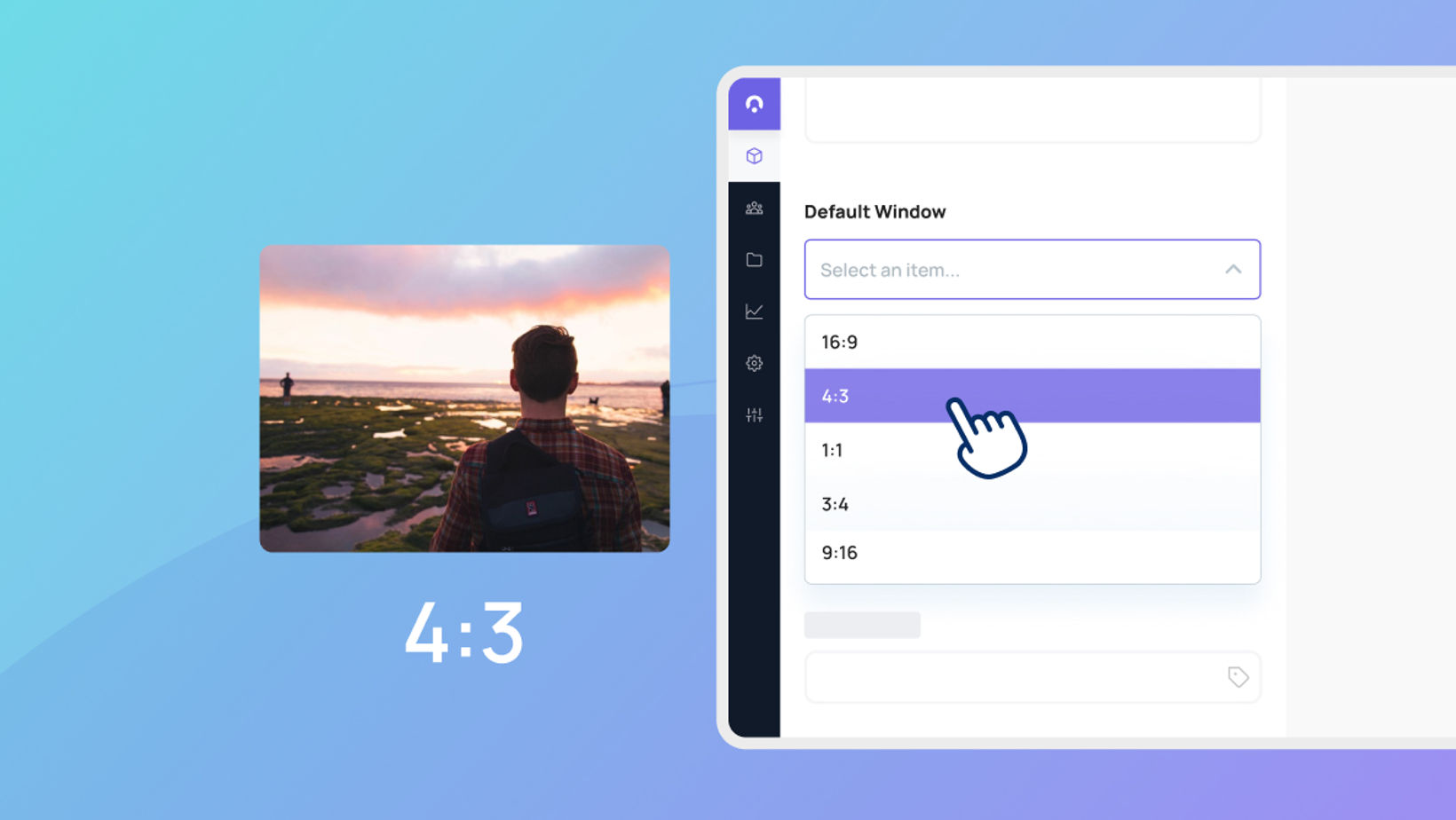
Maintaining a polished and aligned look across your website can be a challenge when using images and videos with different shapes and sizes. To help with this, we’ve introduced a new "Default Media Window" for our Split Image and Split Video CTAs.
Instead of your layout changing based on the file you upload, you can now choose a specific size—like square or widescreen—directly in the settings. For images, this ensures everything stays perfectly aligned by automatically fitting the photo to your chosen frame. For videos, it keeps your layout consistent while making sure the full video remains visible.
It’s a simple way to keep your page looking professional and organized without having to edit your media beforehand.
